
UI/UX Audit
Find out why users leave your app. In 7 working days.
A fixed-price audit of your live iOS or Android app. You get a written verdict, every issue ranked by what it is costing you, redesigned screens for the three worst problems, and a fix list your own team can act on without hiring us.
Fixed fee · 7 working days from access · Credited back in full if we do the fixes
Your app has users. They install it, and then something goes wrong that your analytics can see but not explain: signup is abandoned halfway, the feature you spent four months building is never opened, the reviews say “confusing” and you do not know which screen they mean. An audit is not a redesign proposal. It is a diagnosis: where people leave, why they leave, and what to change first. Most of what we find is small. Some of it you can fix in a sprint. We tell you which is which, and we tell you when the answer is leave it alone.
Sound familiar?
“They drop off before they even finish signing up.”
You can see it in the funnel. You cannot see which screen does it, or why.
See the answer“Nobody uses the feature we spent months building.”
It is in the app. People are not finding it, or they find it and do not understand it.
See the answer“The reviews say it’s confusing, and I can’t tell what they mean.”
One-star reviews are the least specific feedback there is, and the most expensive.
See the answer“It’s grown feature by feature and now it feels stitched together.”
Nothing is broken. It just feels heavier every release, and you are about to spend real money on a redesign.
See the answerWho actually does this

Anand Yadav
I read every audit myself before it goes out. That is not a marketing line, it is the reason this service exists. I have shipped fifty-two apps and taken over other people’s, and after a while you can tell in ten minutes whether a screen is confusing or whether the person who built it just ran out of time.
Here is what I will not do. I will not hand you fifty findings so the report looks thick. I will not tell you that you need a redesign when you need three screens changed. And if the app is basically fine, I will write that down and send you an invoice for a short report, which is a bad way to run a sales funnel and an honest way to run a business.
What usually goes wrong
What clients say, and what it actually means
“Users just do not get it, we need better onboarding.”
What it meansNobody had watched an actual user get stuck to see where.
“Our competitor's app just feels better, can you make ours feel like that?”
What it meansFeel is built from dozens of small decisions, not copied from a screenshot.
“The bounce rate went up and we do not know why.”
What it meansNobody was watching the screen where users actually leave.
Why you can trust the verdict
We publish the rules before we look at your app
You are paying someone who sells design work to tell you whether you need design work. You should be suspicious of that, and the honest answer is not a promise. It is a published rule.
Before we open your app, we send you the severity rules. Same four levels, same definitions, every audit. Fixed and published in advance.
| Severity | Definition |
|---|---|
| Critical | Users cannot complete a task that your business depends on, or lose data, or are charged incorrectly. Evidence required: we complete the flow ourselves and record it. |
| High | Users can complete the task, but a measurable share do not, supported by your funnel data, your store reviews, or a platform guideline the app breaks. |
| Medium | The task completes, and something about it costs trust, speed or clarity. Supported by a specific, named guideline or convention, never by “we would have done it differently”. |
| Low | Our preference. Real, but you can ship without it forever and nothing bad happens. Goes in the later or never group by default. |
Three consequences we accept in writing
Evidence on every Critical and High
Every Critical and High finding names the evidence. If we cannot point at your data, a recorded walkthrough, a store review or a published platform guideline, it is a Medium at best.
A short report is a good outcome
If we find no Critical or High issues, we say so and the report is short. You still pay the same fixed fee. A short report is a good outcome, not a discount.
Credited back, and usable without us
The audit fee is credited back in full against design or build work with us, and the report is written so your own team, or a different agency, can act on it without us. Both of those are true at the same time. That is the point.
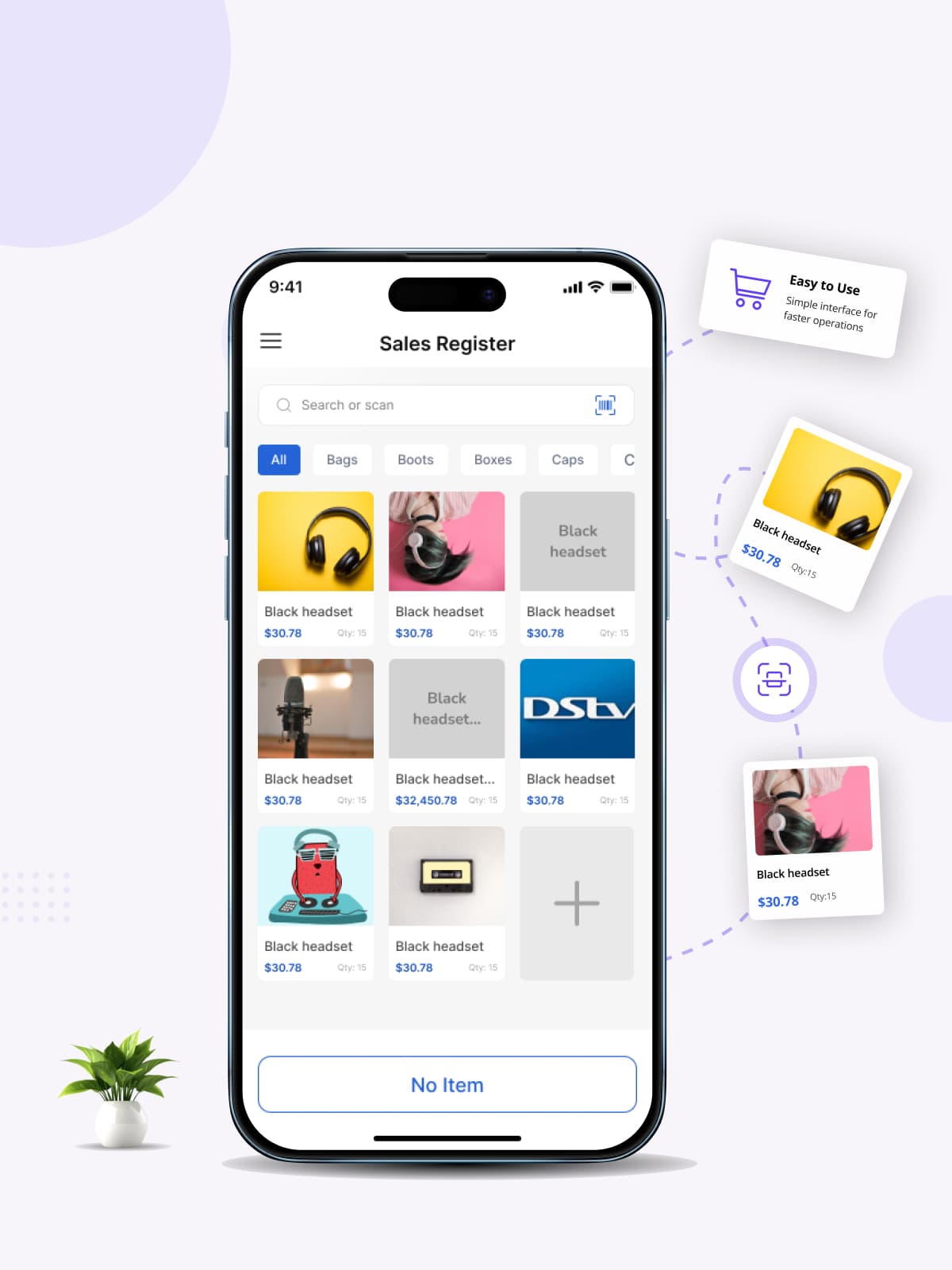
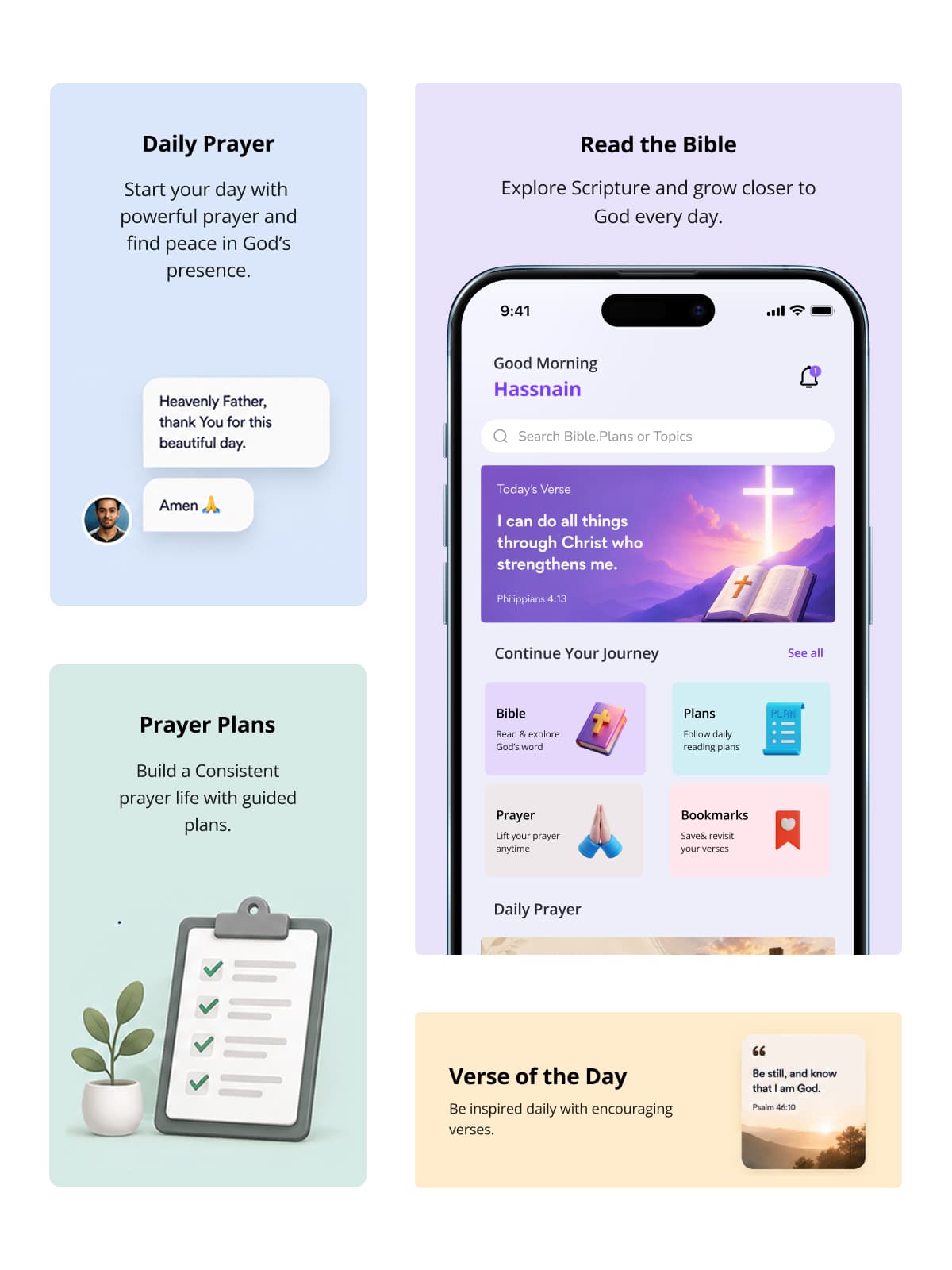
Apps we've defined and built
All case studies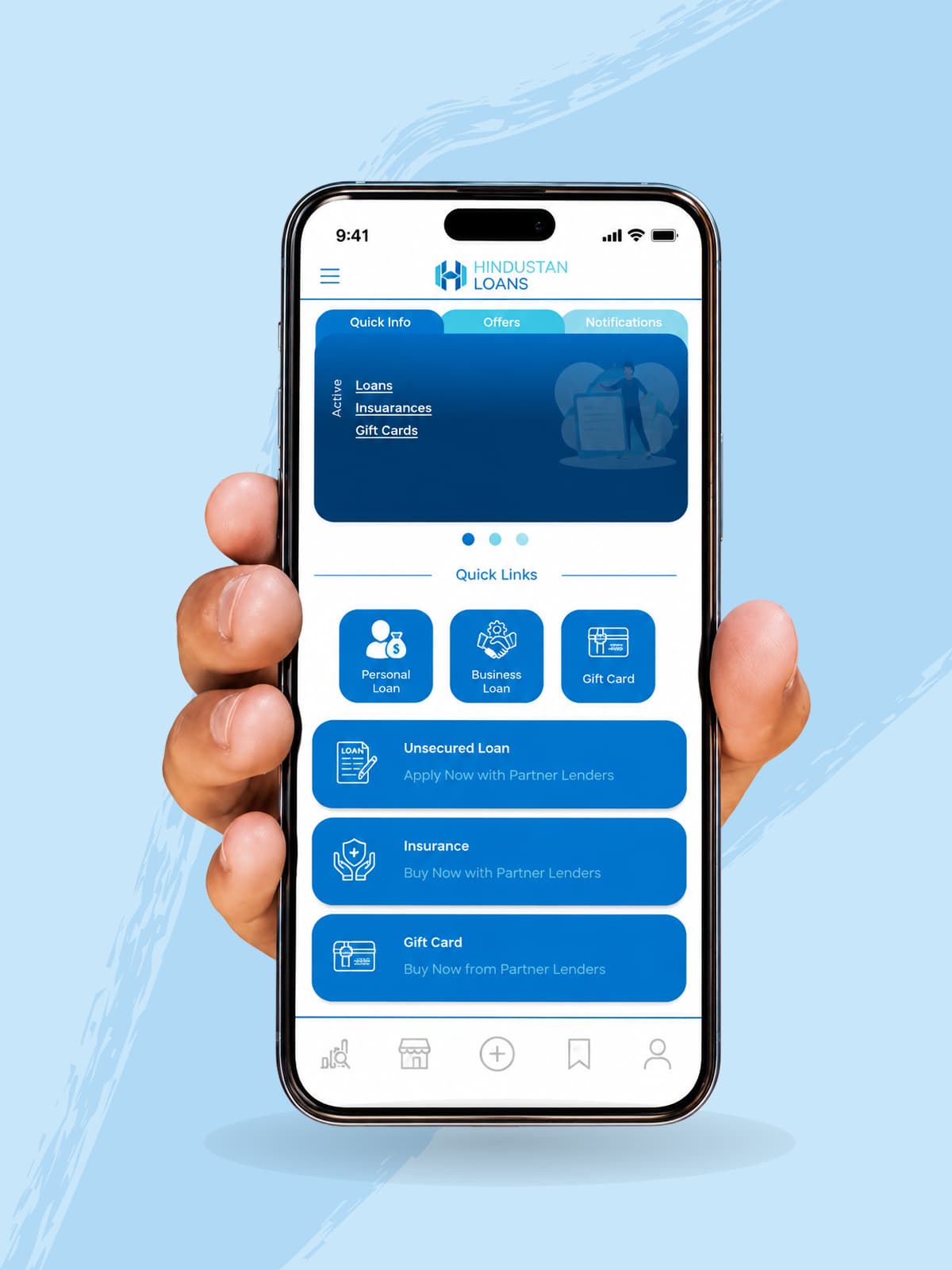
Fee
What it costs, and what happens if you do nothing with it
One number. Published on this page, not buried in an FAQ.
Scope, and if we find nothing
Why the number is on the page
Of the five competitor audit pages we studied, one published a price: $2,000 to $8,000 with a 2 to 4 week timeline, and only inside an FAQ answer. The other four require a sales call to learn what it costs. Published pricing has been the number one thing B2B buyers say a vendor could do for them, four years running.
Where our own industry exaggerates
The two statistics we will not use
Every agency selling UX audits quotes the same two numbers at you. We checked both, and we are not going to use either.
“Every $1 invested in UX returns $100.”
Attributed to a Forrester report. The report is paywalled and we could not obtain the primary text; every source repeating the number is a secondary blog quoting another blog. A 9,900% return on any business investment should require more evidence than that, not less.
“A problem costs $1 to fix in design and $100 to fix after launch.”
Usually credited to the “IBM Systems Sciences Institute”. That institute appears not to have existed as a research body. The trail runs back through a 1987 textbook to internal IBM course notes, with underlying data no later than 1981. A 2016 study of 171 projects found the time to resolve a defect was usually not significantly different between phases.
Nielsen Norman Group measured the usability improvement from redesign work across 99 case studies: the median gain fell from 247% (2006 to 2008) to 75% in 2020. Interquartile range 13% to 157%. Still a large return. Nothing like 100×.
That number is worse for us than the two we just threw away. We are printing it because you are about to hand money to somebody based on a claim, and you should be able to check the claim.
Third statistic, for completeness: “88% of users never return after a bad experience” is real and traceable (Gomez Inc., n=1,500, February 2010). It is sixteen years old, it is about websites rather than apps, and it measures what people said they would do. We mention it; we do not build an argument on it.
How the audit reads
Findings ranked by what they cost you
A list of everything wrong is not useful. What you get is a short list ordered by revenue and effort, with the ones we would fix first marked as such.

The checklist
What we review
We publish it. You can run most of it yourself before you pay us anything.
Onboarding and first run
The first 90 seconds. How much we ask before showing value, whether the permission prompts arrive before the reason for them, what an empty account looks like.
Your three business-critical flows
Signup, the payment or booking flow, and the one feature your business depends on, walked end to end on both platforms.
Navigation and information structure
Whether people can find what they came for, and whether the app’s structure still matches what the app has become.
Error, empty and offline states
The screens nobody designs and everybody hits. On a real bad network, not a simulator.
Visual hierarchy and consistency
Spacing, typography, whether two screens built a year apart look like the same product.
Platform conventions
iOS Human Interface Guidelines and Android Material. An Android app wearing an iOS coat loses trust before it loses users.
Accessibility
Contrast, tap target size, dynamic text scaling, screen reader labels, focus order. Included in every audit. See accessibility and the law for why this is now a legal question in some markets.
Performance as the user feels it
Cold start, the screens that stutter, what happens on a three-year-old Android phone. Not a profiler run: the felt experience.
AI features, if you have them
What the app shows while it is thinking, what it does when it is unsure, and what it does when it is wrong. Most AI features fail in the third state. See AI Feature Integration & Assistants.
Store listing against reality
Whether the screenshots promise something the app does not deliver in the first minute. Deeper listing work is App Store Optimization.
Your own evidence
Funnel data, session recordings if you have them, crash points, and every store review from the last six months, read and grouped.
Your legal deadlines
Accessibility: what the law actually says, and what it does not
Most agency pages tell you that accessibility law now covers every app. That is not true, and the real scope is more useful than the scare version.
European Accessibility Act (Directive (EU) 2019/882)
Not “all apps”. It covers services: e-commerce, consumer banking, electronic communications, access to audiovisual media, e-books, and air, bus, rail and water passenger transport, and it reaches the mobile apps through which those services are delivered. A shopping app, a banking app, a ticketing app: in scope. A B2B internal tool or a game with no commerce: not.
EAA microenterprise exemption
Fewer than 10 people and turnover at or under €2m, or balance sheet total at or under €2m. Service providers meeting it are exempt; if you also put a product on the market, you get lighter obligations, not an exemption.
US, ADA Title II web and mobile rule
State and local government entities, and apps delivered on their behalf. WCAG 2.1 AA. Explicitly covers mobile apps.
US, ADA Title III (private business)
No DOJ web or app rule exists. Litigation risk is real; a published compliance deadline is not.
WCAG
The standard everything above points at. 2.2 is still current (October 2023, updated December 2024). There is no 2026 update and WCAG 3.0 is an early draft. Native apps are measured through WCAG2ICT / EN 301 549 rather than WCAG directly.
Two corrections worth your time
Most articles you will read still quote the old US deadline of April 2026. It moved, in a rule published on 20 April 2026, and a lot of agency content has not caught up. And “the EAA means every app must be accessible” is simply wrong. Check whether you are delivering one of the covered services before anybody sells you a compliance project.
Accessibility is in scope of every audit we run at no extra fee, because contrast, tap targets and text scaling are usability problems before they are legal ones.
Checked 11 August 2026. Sources: EUR-Lex Directive (EU) 2019/882, US Federal Register 20 April 2026, ADA.gov, W3C. Next recheck due 11 November 2026. Not legal advice. If a covered service is your business, get the scope confirmed by a lawyer.
Where we have done this
Industries we work in







HOW LONG
Timeline
7 working days
From the day access arrives to the report and the call
3 flows walked end to end
Chosen with you, plus onboarding and first run, on both platforms
1 walkthrough call
60 minutes, recorded, so the people who missed it still get it
Engagements
How we work together
Four ways in. Pick the one that matches how you want to act on the report.
The audit
Fixed fee, 7 working days, one app. The whole of this page.
Good for: You want a verdict and a fix listAudit, then we fix it
The audit fee is credited back in full against the design or build work that follows.
Good for: You already expect to act on itAudit, then your team fixes it
Same report, same screens. Written so your developers or another agency can act without us, and we answer questions for 30 days at no charge.
Good for: You have a team and want direction, not handsAudit every quarter
The same audit on a schedule, each one measured against the last, as part of Mobile App Maintenance & Optimization.
Good for: The app changes every month and you want the drift caught earlyNo minimum contract size. We judge each project on whether we can do it well. Engagements run from a single audit to multi-year. Long-term is what we prefer, and it is not what we require.
Tell us the app and the platforms. The audit fee is fixed and published, so for the audit itself there is no quote to wait for. For work after the audit, you get a written scope and a price before anything starts.
WALL OF PROOF
What clients say once the project is over
The SightInfusion team delivered our app with impressive speed, clear communication, and reliable quality. Every detail was handled thoughtfully, and the final result exceeded expectations. A professional team we're excited to work with again soon.
Working with SightInfusion was a smooth and professional experience. The team was proactive, technically strong, and always transparent with updates. Our finance app was delivered on time with great care. We look forward to future projects together.
SightInfusion handled our complex project with patience, expertise, and consistent communication. Their team learns fast, solves challenges quickly, and delivers dependable results. A skilled, trustworthy team we'll confidently partner with again in the future.
Tools
Tools we use
We read what you already run. The audit does not depend on installing a new stack first.
 Figma
Figma FigJam
 Firebase Analytics
 Google Analytics 4
 Mixpanel
 Amplitude
 PostHog
 Hotjar
 Smartlook
 Firebase Crashlytics
 Xcode Instruments
 Android ProfilerXcode Accessibility Inspector
 Android Accessibility Scanner
 App Store Connect
 Google Play Console
We do not require you to install anything new for the audit. If you have no analytics at all, we say so, and the report tells you the three events worth adding first. Session tools are read where you already run them.
FAQ
Questions people ask
What do you need from us to start?
A build we can install on both platforms, a test account, and your analytics if you have any. If you have none, the audit still runs. We tell you which three events to add first.
Do you need our source code?
No. This audit is done entirely from the user’s side. If you want the code read, that is App Rescue & Code Audit or iOS & Android Technical Consulting.
Will you just tell us we need a redesign?
Sometimes the answer is yes, and when it is, we show you which specific things failed against the severity rules rather than saying “it feels dated”. Most audits produce a list of targeted fixes. If the app is basically fine, the report says so and the fee is the same.
How is this different from a usability test with real users?
A usability test watches your actual users and tells you what happened. An audit is faster and cheaper, and tells you what is likely to be happening and why, from platform conventions, your own data and fifty-two shipped apps of pattern recognition. They answer different questions. If your budget only stretches to one and you already have funnel data showing where people leave, an audit is usually the better spend, because it explains why. We will say so if the reverse is true for you.
Isn’t this just one designer’s opinion?
That is what the published severity rules exist to prevent. Critical and High findings must name evidence: your data, a recorded walkthrough, a store review, or a published platform guideline. Our preferences are graded Low and go in the later or never group, labelled as ours.
What if you don’t find much?
Then the report is short, we tell you the app is in good shape, and the fee does not change. We would rather you spend the fix budget on features.
Can you fix the issues too?
Yes. UI/UX Design for Mobile for the design work, Mobile App Development to build it. The audit fee comes off in full.
Can our own developers act on the report without you?
Yes, and it is written for that. Every issue has a screenshot, a severity, an effort estimate and the reasoning. We answer your team’s questions for 30 days after delivery at no charge.
Who owns the report and the redesigned screens?
You do: report, designs and source files. Take them anywhere.
Do you audit both iOS and Android, or just one?
Both, in the fixed fee. Half the findings in a typical audit are on one platform only, which is exactly the kind of thing an internal team stops seeing.
Is accessibility included?
Yes, at no extra fee: contrast, tap targets, dynamic text, screen reader labels, focus order. Whether it is also a legal question for you depends on what your app does; the accessibility section above has the actual scope.
Our app was built by another agency. Is that awkward?
No, and we do not write reports that read as an attack on whoever built it. Most of what audits find is the result of deadlines, not incompetence. The report is written for the team that has to act on it.
Will you sign an NDA?
Yes, before we see anything.
How soon can you start?
Usually within a week. Tell us the app and the platforms and we will give you a date.


Tell us the problem. We bring the engineering.
A short call, an honest answer on whether we are the right team, and a scope you can hold us to.
Start a project