PM Fund Manager
A dense, data-heavy internal system replacing manual administration and reporting.
Stop paying people to do what software should be doing.
The spreadsheet emailed round three departments. The same data typed into three systems. The report somebody rebuilds every Monday. We replace that work with software that runs it properly: first process live in 30 days, and we will tell you honestly if a $20 tool does it instead.
You own everything we build.
Where our automation work is already live
| Product | What it replaced | Case study |
|---|---|---|
| PM Fund Manager | Manual administration and reporting that took 2 to 3 days | No public case study yet |
| Pray the Bible admin | A publishing process staff needed 2 weeks of training to run | Read it |
| FMSoft CRM | Sales and workflow admin handled by hand | No public case study yet |
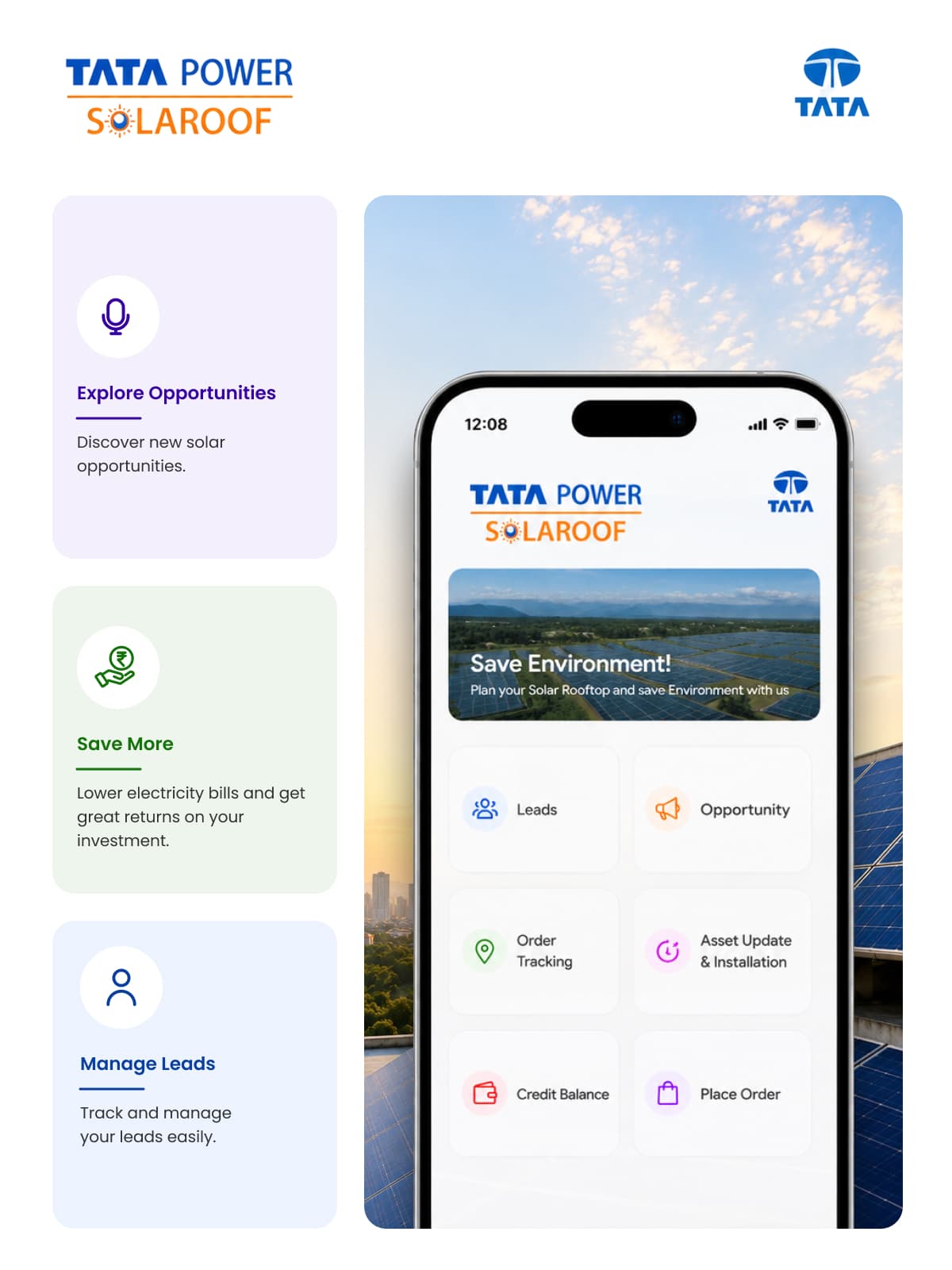
| Tata Power SolaRoof | Paper-based field inspections and KYC | Read it |
| Companion App | Field process paperwork across 3 languages | No public case study yet |
No system owns the data. Every copy is a chance to get it wrong.
You are paying a salary for a scheduled task.
There is no record, so nothing can be audited or improved.
Often true. Sometimes it works fine right up until the person who understands it leaves.
Sometimes yes. Here is the actual arithmetic.
The right question to ask. Most agencies never answer it.
Who you’ll actually work with

I am Anand Yadav, founder of SightInfusion. I have been building software for over 7 years and I have personally delivered more than 52 products.
In automation, the fastest way to waste your money is to build something custom when a rule, a tool or a tidier spreadsheet would have done it. So on the first call I try to talk you down: can a $20 a month tool run this? Can we make it a rule instead of AI? Do you actually run this process often enough for the build to pay for itself?
If the answer is that you do not need us, that is what you will hear on the call, not after the invoice.
Most agencies describe the work. Here is what is yours at the end of it.
| Deliverable | What it is |
|---|---|
| Process map | Your process as it actually runs: every step, every exception, every person, agreed before anything is built |
| The baseline | Hours per week, cost per month, error rate, measured before we change anything |
| The automation | Built, tested on your real cases, running |
| Source code | Full repository, full IP transfer, in your account |
| Written rules | The logic in readable form, so your own team can see exactly what it does and when |
| Runbook | What it does, what it will not do, how to pause it, who to call |
| The running cost | Hosting and licence cost of what we built, per month, in writing |
| Training for the people who use it | Not a PDF. A session with the actual staff, and a recording they keep |
| Handover walkthrough | Recorded, covering the whole system and the credentials |
If any of these is missing at handover, the job is not finished.
You own it. Take it anywhere. Code, rules and process map are yours on final payment. Run it in-house, hand it to another agency, or switch it off.
No more copying between your CRM, accounting software and spreadsheets. One place owns each piece of information.
Built and delivered on schedule, every time, without anyone rebuilding them.
Routed to the right person, chased automatically, logged. The WhatsApp chase becomes a record.
From receipt to record without manual entry, for the cases that follow rules.
Jobs, staff and resources assigned by your rules, not by whoever is free to work it out.
Customers and staff told the right thing at the right time, including the chase nobody remembers to send.
New customer or employee steps that run themselves: the forms, the accounts, the checklist, the follow-ups.
The one that only one person really understands. We turn it into software with proper rules, permissions and history.
If what you actually need is a screen your team opens daily rather than a process running quietly in the background, that is web apps and admin panels, not automation.
Sometimes yes. Here are the real prices, and the arithmetic.
This is the question that decides most of these projects, so we will answer it properly instead of pretending the tools do not exist.
| Tool | Entry price | Charges by |
|---|---|---|
| Zapier | Free (100 tasks/mo); Professional from $19.99/mo; Team from $69/mo (25 users) | Tasks |
| Make | Free (1,000 ops); Core $12/mo, Pro $21/mo, Teams $38/mo at the 10,000/mo tier | Credits, one module action equals one credit |
| n8n Cloud | Starter €20/mo (2,500); Pro €50/mo (10,000); Business €667/mo (40,000). Unlimited users and workflows | Workflow executions |
| Power Automate | Premium $15/user/mo; Process $150/bot/mo; Hosted Process $215/bot/mo | User, or bot |
| Airtable | Free; Team $20/seat annual ($24 monthly); Business $45/seat annual ($54 monthly) | Seat |
| Retool | Free (≤5 users); Team $10/builder + $5/user; Business $50/builder + $15/user | Builder and end-user seats |
Now the honest part: there is no published crossover point, and we are not going to invent one. You will find blog posts saying the economics turn once your monthly spend exceeds what a custom build costs including hosting, which is true and also useless, because none of them will tell you what a custom build costs. So do this instead, on the back of an envelope, before you talk to anyone:
And a note on cheap. Per-task and per-credit pricing is comfortable at low volume and unpleasant at high volume, which is exactly the direction a working automation moves in. That is not an argument for building on day one. It is an argument for knowing your number before your volume finds it for you.
Where the time goes
Nobody writes down the twenty minutes a day spent copying rows between two systems. Across a year that is a full working month. Finding those is the first thing we do.
| When | What happens | What you get |
|---|---|---|
| Fit call, 30 min, free | You describe the task. We tell you whether it is a build, a rule, a tool, or not worth doing | An honest answer, no report to buy |
| Days 1 to 5 | We sit with the people doing the work and map what actually happens, not what the process document says. We measure hours, cost and error rate before touching anything | Process map and baseline |
| Days 6 to 20 | We build it and test it against your real historical cases | Test results on your own data |
| Days 21 to 25 | It runs alongside your team, with a person confirming. We fix what the real world exposes | Live in parallel |
| Days 26 to 30 | It runs on its own, with logging, limits and a manual override. We train the people who use it and measure the same number again | Live automation and the before/after |
Then we do the next process, or we stop, because the next one is not worth it. We will say which.
Why the fit call is free here, and the AI audit next door is not. A fit call is a scoping conversation: 30 minutes, and we can usually tell straight away whether a rule, a tool or a build is the answer. The AI Readiness Audit is an investigation, two weeks of work across your operations, data and systems, ending in a written report, so it is paid, at $750, and credited back if you build. The rule we hold to: charge when the diagnostic is an investigation, do not charge when it is a scoping call. If you arrive here unsure what to automate across the whole business, that is the audit, not this call.
Will we be stuck with you forever?
It is the third-ranked objection in this category and there is a good reason for it. Custom internal software has a way of becoming something only two people understand, and one of them works for the agency.
| What we commit to | The commitment |
|---|---|
| The code | Yours. Full repository, IP transfer on final payment |
| The accounts | Hosting, database and third-party accounts in your name, not ours |
| The rules | Handed over in readable form, not buried in code only we can follow |
| The documentation | Written for the next developer, not for us |
| The training | The people who use it are trained, with a recording they keep |
| Notice | 30 days on any monthly plan. No exit fee |
| Handover | A recorded walkthrough of the whole system and every credential |
If the day comes that you want another agency, or your own hire, to take this over, they can, without calling us first. That is the standard.
If the task takes twenty minutes a week, a build will not pay for itself no matter how annoying it is. Annoying and expensive are different problems.
If the connector exists and your volume is low, buy the tool. Prices and arithmetic, including the part where we tell you to keep it.
If you are mid-reorganisation, or the process is three months old and still moving, automating it now means automating a guess. Wait, run it manually, and let it settle.
And one where the spreadsheet is genuinely fine. A small team, one person who maintains it, low stakes if it breaks: that spreadsheet is doing its job. The moment to worry is not when it gets messy. It is when only one person understands it and they are the single point of failure. That is a real risk, and it is a different conversation from the spreadsheet is ugly.
The quiet way these projects die
The automation that fails is rarely the one that does not work. It is the one nobody uses, or that only one person can run.
The Pray the Bible admin panel replaced a publishing workflow that took new staff two weeks to learn. After the rebuild, training took two days, publication time dropped 65%, and the team published 3x faster.
See the case studyThe Companion App took a paper-based field process across three languages and scaled it from 50 to 500+ field workers, with process friction down 70%.
| Industry | What we automate | Proof we can name |
|---|---|---|
| CRM, HR & Internal Business Tools | Approvals, reporting, onboarding, data entry between systems | PM Fund Manager · FMSoft CRM |
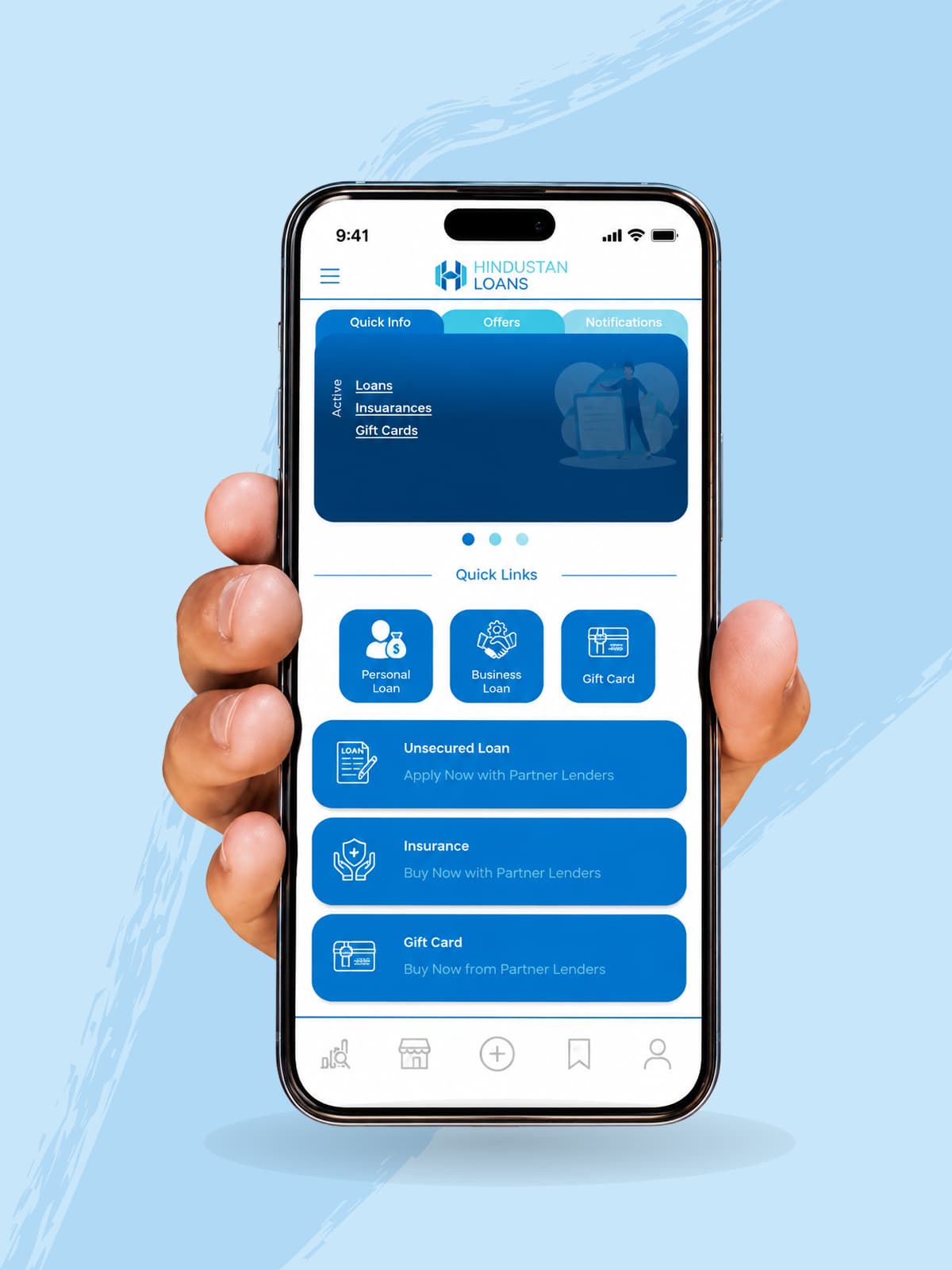
| Fintech & Banking | Application handling, reconciliation, KYC workflows | Hindustan Loan · Quickchain |
| Legal-Tech | Document intake, case data, filing workflows | ActivePass · DigitsLaw · Gavel Auctions |
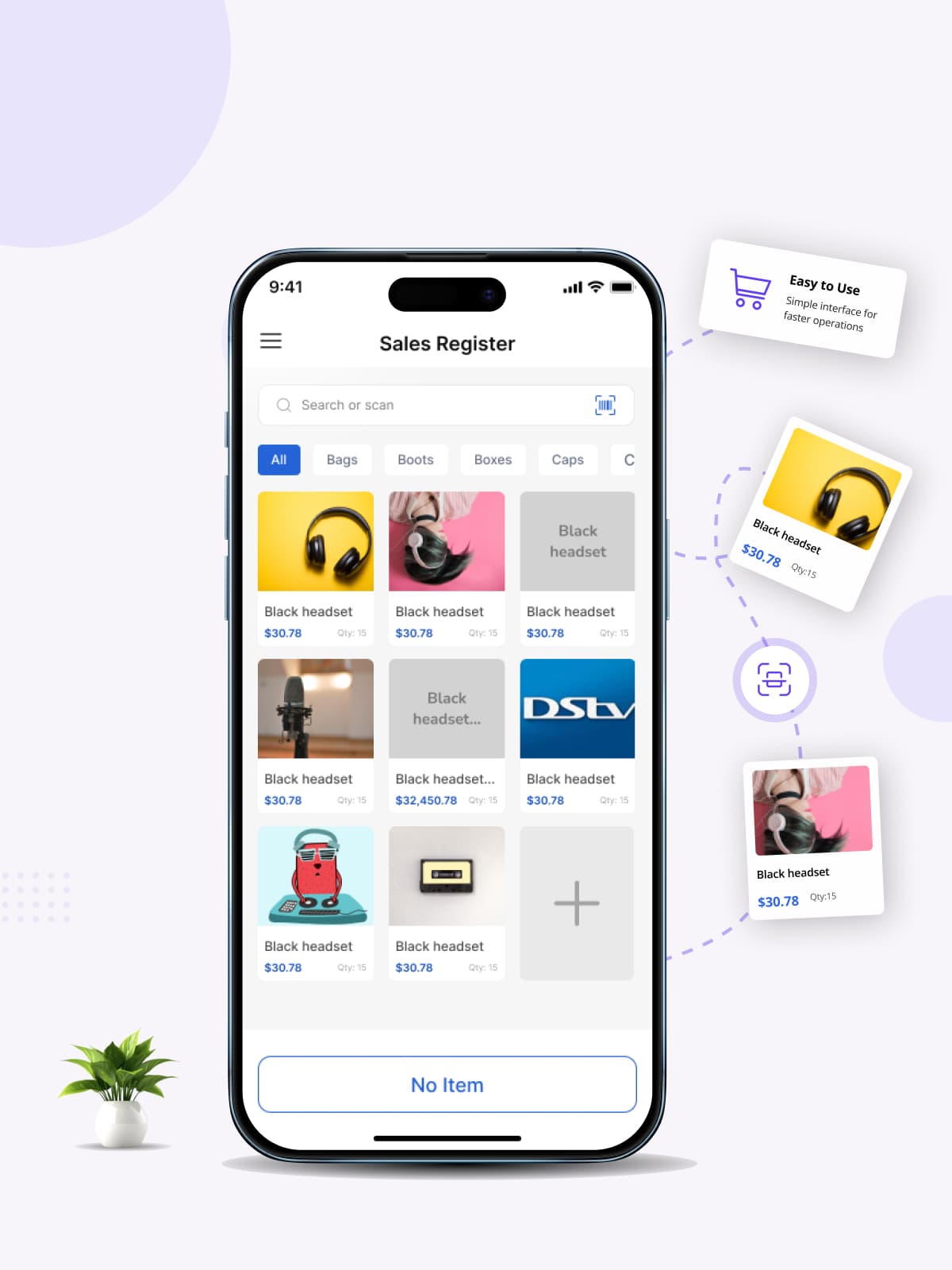
| Retail, POS & E-commerce | Order and invoice processing, stock alerts, supplier admin | Vencru · Vencru POS |
| Energy & Utilities | Field reporting, asset tracking, inspection workflows | Tata Power SolaRoof |
| Logistics & Field Operations | Dispatch, job assignment, field data capture | Tata Power SolaRoof (field module) · Companion App |
| Events, Media & Community | Publishing workflows, moderation queues | Pray the Bible admin |
| Healthcare & Wellness | Patient admin, records handling, scheduling | No claim made |
| Real Estate & PropTech | Listing admin, enquiry routing, tenant workflows | No claim made |
| EdTech & Training | Enrolment, assessment admin, learner follow-up | No claim made |
Great work Anand on building this app from scratch. Looking forward to more projects with you.
This was a long and complicated project. However, Anand executed it flawlessly. He was patient with the requirements, was a fast learner in situations where he encountered something new and was a great and prompt communicator.
Anand did a great job in flutter development. He is well versed in several coding languages and provided the solution I needed. Is very good at communicating as well.
What these prove and what they do not. None of the 54 client reviews on our Upwork profile is for an automation project by name. They are app and product builds, and we are not relabelling them. 54 reviews and a 100% Job Success Score on a platform we do not control tell you we finish what we start and that the requirements survive contact with reality. They do not tell you we have a published automation track record. That is what the case studies above are for.
No. We connect to what you already use. See what we automate.
Often you can, and we will tell you so. Real prices for all six main tools, when buying beats building, and the arithmetic to work it out yourself, including the part where the answer is keep the tool.
It removes the repetitive part of the work. In practice teams handle more volume rather than shrink. We are not going to promise a headcount saving we cannot measure, and if that is the only reason for the project, the numbers usually disappoint.
30 days from the start of the build, after a free 30 minute fit call. Week by week.
Hosting, any third-party licence, and maintenance if you want it, stated in writing in every proposal, at your real volume rather than the entry tier. Rules-based automation has no per-use model cost, which is the main reason it is cheaper than the AI version.
We build it so it can be changed, and the rules are handed over in readable form so your own team can adjust the simple things. The monthly plan covers the rest. If your process is still moving right now, wait.
No. Code, rules and documentation are yours, the accounts are in your name, notice is 30 days, and the handover is recorded. All seven commitments.
That is the part most of these projects get wrong. We map the process with the people who actually do the work, run the automation alongside them before it replaces them, and train the real users in a session they keep a recording of. Two published adoption numbers.
Probably not, and that is good news. Rules are cheaper, faster and give the same answer every time. AI earns its place only where the input is genuinely messy: free text, scanned documents, exceptions. See AI Agents & Automation for where the line falls.
Rules-based automation fails loudly and predictably, which is one of its advantages. You get alerting, a full log, and a manual override so the work can still be done by hand while it is fixed. Response times depend on the plan you are on, and we will write them down rather than imply them.
Partly. If the documents are consistent, rules handle them. If they are messy, scanned, handwritten, free text, every supplier's invoice a different shape, that needs AI Agents & Automation, and it costs more. We will tell you which one your documents are before you commit.
Because we measure the same number before and after. Days 1 to 5 are a baseline: hours per week, cost per month, error rate. If we cannot measure the process, we say so before you spend anything. An unmeasurable saving is not a saving.
You do, on final payment, on accounts in your name.
Sometimes yes, often no, and we will be honest about which. There is no minimum contract size here, but there is a minimum volume where a build pays for itself. See section on when to say no.
A short call, an honest answer on whether we are the right team, and a scope you can hold us to.
Start a project